
Product Update | Version 2.5.0
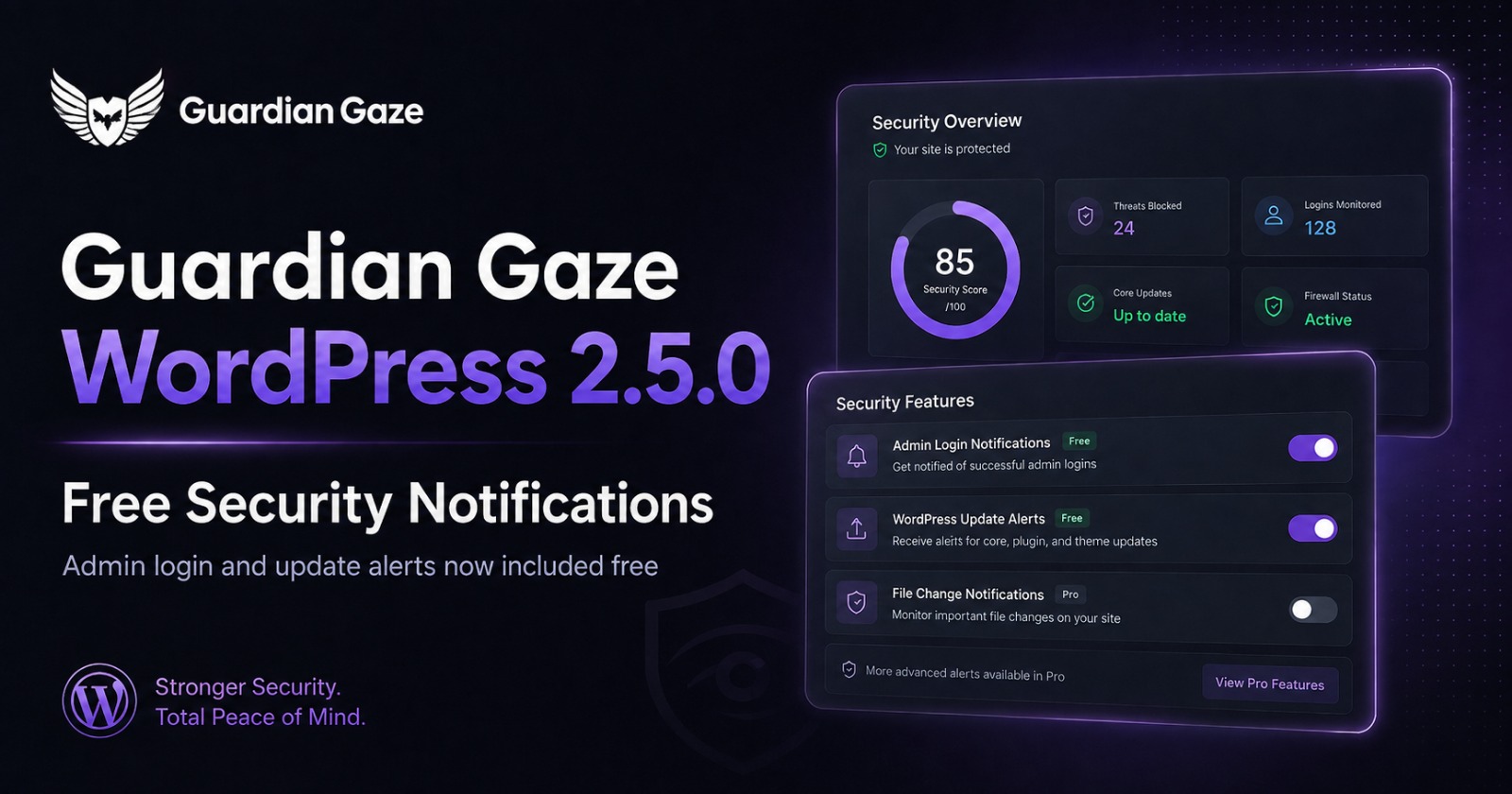
What is new in Guardian Gaze 2.5.0: Free WordPress Security Alerts
- Email alerts when an administrator logs in.
- Email alerts when a WordPress core, plugin or theme update becomes available.
- One notification per new version, avoiding repeat alerts for the same update.
- Choice of a custom alert recipient or the site administrator emailSecurity.
- Notifications are now included in the free plugin.
The WordPress dashboard should not be the only place you discover that an administrator has signed in or that an important site component has an update waiting.
Guardian Gaze Security 2.5.0 adds free WordPress security alerts that bring those events directly to your inbox. The new Security Notifications feature can alert you when an administrator logs in and when a new WordPress core, plugin or theme version becomes available.
The feature was previously available only through Guardian Gaze Premium. With version 2.5.0, it is now part of the free Guardian Gaze plugin.
Know when an administrator signs in
Administrator accounts have broad control over a WordPress site. They can typically install or remove plugins, change themes, create users, alter settings and modify content. That level of access makes administrator activity worth watching.
Guardian Gaze 2.5.0 can send an email notification when an administrator logs in. For site owners, developers and agencies, this creates a simple extra signal that can help distinguish expected access from activity that deserves a closer look.
A login alert is not proof of compromise, and it does not block the login. Its purpose is visibility. If the login was expected, no action may be needed. If nobody on the team recognises it, you have a reason to investigate sooner rather than later.
Stay ahead of WordPress core, plugin and theme updates
WordPress sites depend on a changing software stack. Core, plugins and themes receive new releases for maintenance, compatibility, features and, in some cases, security fixes. The challenge is often not the absence of an update. It is noticing that an update is waiting.
With Security Notifications enabled, Guardian Gaze can email you when a newer version becomes available for:
- WordPress core
- Installed plugins
- Installed themes
Guardian Gaze sends the update notification once for each new version, so the same available version does not keep generating duplicate alerts.
An update alert tells you that a newer version is available. It does not by itself determine whether the release contains a security fix. Review the release notes and your normal change process before updating a production site, particularly where compatibility testing or backups are required.
Useful alerts without unnecessary inbox noise
Security notifications are only useful if people continue to pay attention to them. Repeated messages about the same version quickly become background noise.
Version 2.5.0 is designed to keep update alerts focused by sending one notification per new version. You can also choose a custom alert recipient or use the WordPress site administrator email, which makes the feature practical for individual site owners as well as teams managing client websites.
How to enable Security Notifications in Guardian Gaze 2.5.0
After updating Guardian Gaze Security to version 2.5.0:
- Open your WordPress administration dashboard.
- Go to Guardian Gaze > Settings.
- Find the Security Notifications settings.
- Choose the alerts you want to receive and confirm the recipient email address.
- Save your settings.
Once enabled, Guardian Gaze can send the selected administrator login and update notifications by email.
Why Security Notifications are now free
Guardian Gaze is built around a simple principle: useful security visibility should be accessible before a website owner has to make a buying decision.
The free plugin already provides file and database malware scanning, file integrity monitoring, IP management, scheduled scanning, and a central security dashboard. Bringing security notifications into the free tier extends that foundation with timely awareness of administrator access and software updates.
Guardian Gaze Pro remains available for teams that want additional controls and automation, including AI-assisted backdoor analysis, real-time file monitoring, two-factor authentication, brute-force lockout, a security audit log and file quarantine. View Guardian Gaze Pro features and pricing to compare the additional capabilities available for stronger WordPress protection.
Get Guardian Gaze 2.5.0
Already using Guardian Gaze?
Update to version 2.5.0 from your WordPress dashboard, then enable Security Notifications under Guardian Gaze > Settings.
New to Guardian Gaze? Install the free plugin from the official WordPress Plugin Directory. Guardian Gaze lets you start scanning without a mandatory account, licence key or registration wall. Install Guardian Gaze Free on WordPress.orgNeed additional WordPress security features? Move beyond alerts with Guardian Gaze Pro for deeper monitoring, hardening and response capabilities.
Security works better when important changes are visible. Guardian Gaze 2.5.0 puts two practical signals, administrator access and available WordPress updates, closer to the people responsible for the site, with no additional charge for the feature.